
Retail
Centric Brands
A global retail collective improved data accuracy and scaled automated processes.
Boost productivity and efficiency with RunMyJobs by Redwood as your single point of control. Connect all the applications, processes and data driving your mission-critical business outcomes.

Move beyond basic job scheduling software with workload automation software that connects every system, process and data source your business depends on. Gain real-time visibility, reduce manual intervention and keep IT operations running at the pace the business demands.

Apply machine learning to analyze activity and identify potential breaches based on data and configured rules for service-level agreements (SLAs).

Automate across hybrid IT environments (on-premises, cloud, SaaS) without dependency on legacy control or access methods such as distributed agents.

Orchestrate workflows across your application, data and infrastructure layers using pre-built connectors and open APIs to extend coverage to any system without custom scripting.

Monitor every workflow, job and dependency from a single control plane, with real-time dashboards, centralized management and the option to embed or integrate third-party monitoring tools.

Build flexible, scalable automation with a modular, artifact-based architecture that supports DevOps workflows and lets your teams customize processes without rebuilding from scratch.

Trigger workflows from real-world conditions, including file arrivals, system events, AWS service signals or upstream job completions, so compute runs only when work demands it.
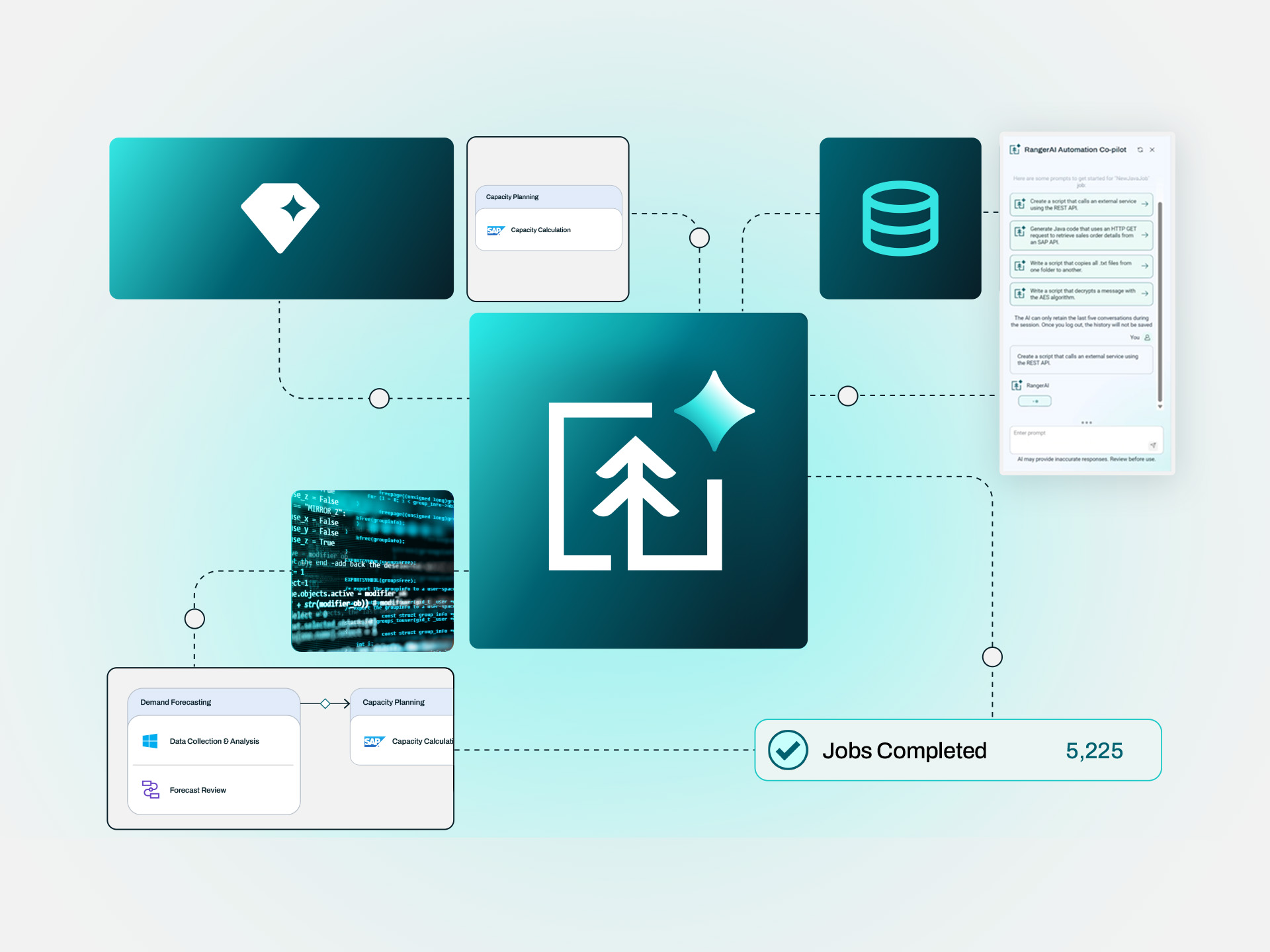
RunMyJobs is a single-tenant SaaS platform with a guaranteed 99.95% uptime SLA. Upgrades happen automatically in the background, so your team focuses on automating the business instead of maintaining the platform.
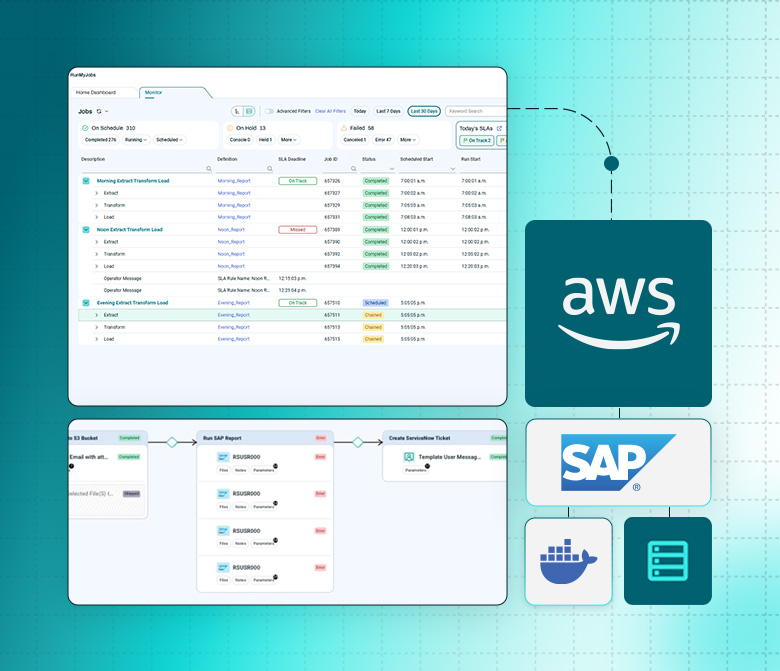
Moving workloads to the cloud shouldn’t fragment your automation. RunMyJobs runs legacy and cloud workflows as one, across public cloud, private cloud and on-premises systems, with clear visibility into SLA health from a single control plane.
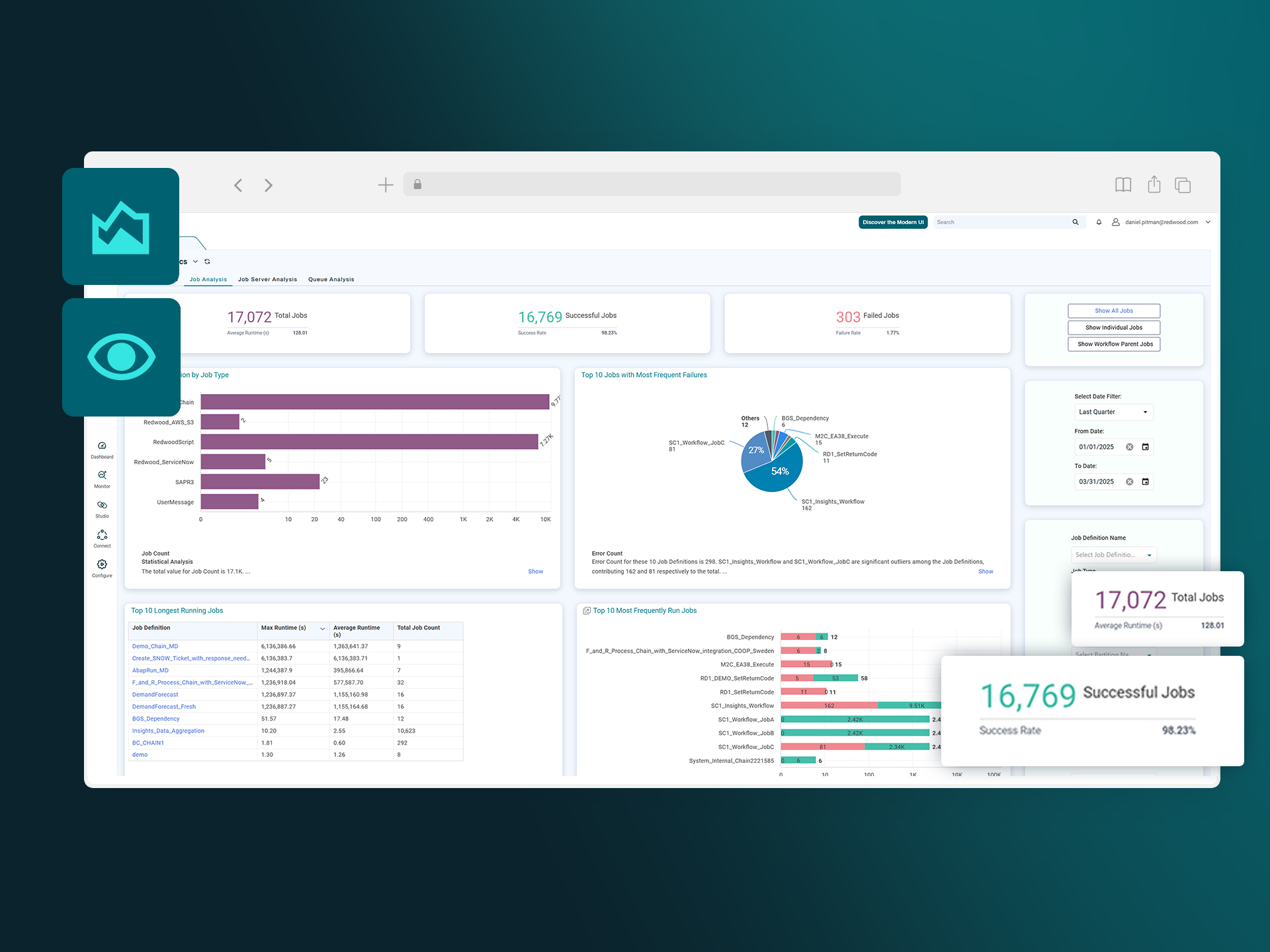
Most workload automation software stops at job status. RunMyJobs gives you true visibility into what’s happening across intricate IT and business processes, with AI-powered analysis built in.
RunMyJobs is the only SAP Endorsed, Premium certified workload automation and orchestration platform. Modernize SAP S/4HANA, RISE with SAP and your cloud workloads without breaking the automation that runs your business.
Keep your automations running with certified, native integrations through SAP S/4HANA and RISE with SAP migration — no custom code and no breakage when SAP upgrades.
Coordinate workflows across Oracle and other ERP systems and your cloud applications, so business processes run reliably across your whole landscape.
Orchestrate ECS, Batch, Lambda and more with native, event-driven triggers instead of custom scripts and polling, all under one SLA and audit trail.
Unlike traditional job scheduling tools, RunMyJobs orchestrates end-to-end business processes across every system, environment and team.

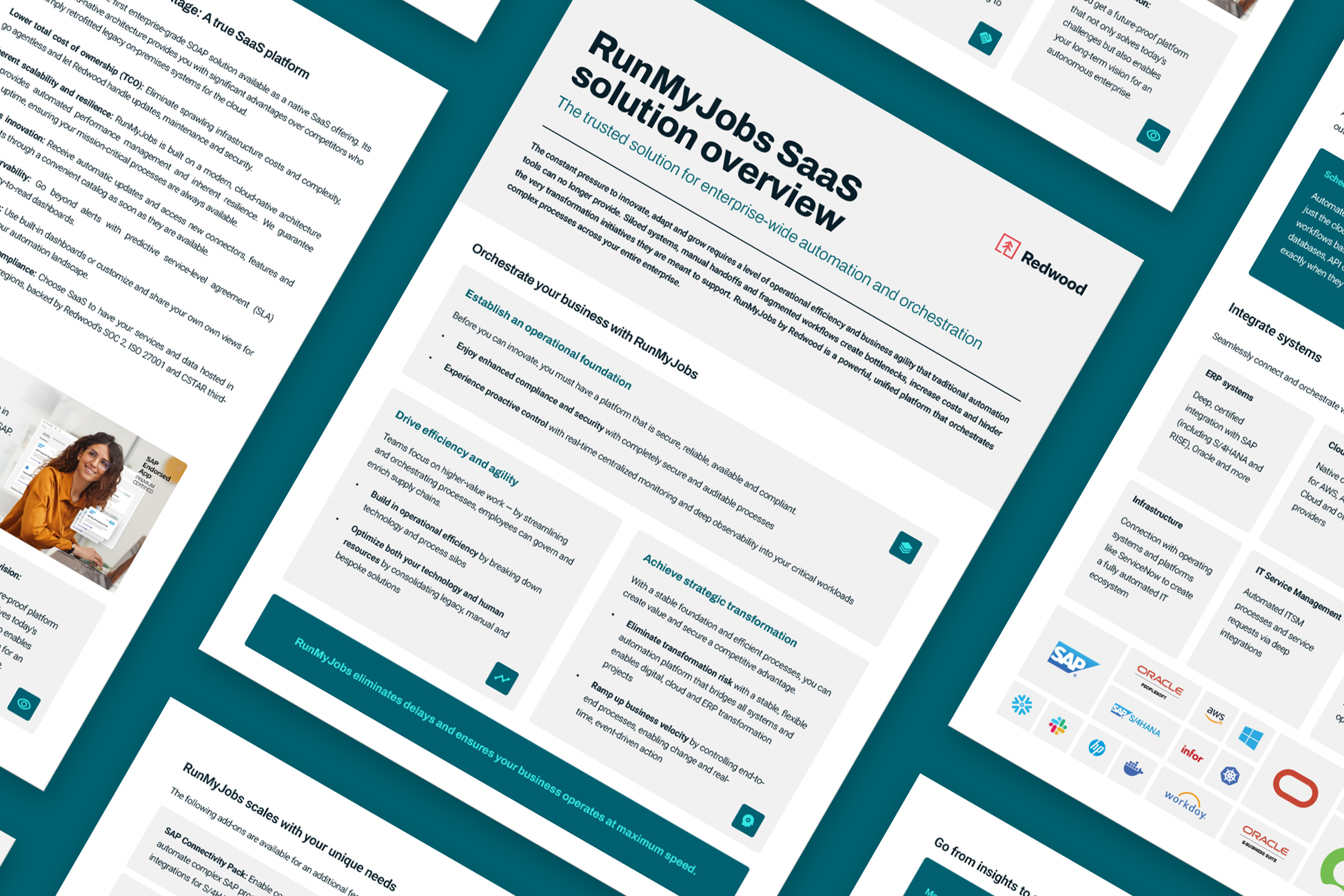
A cloud-native SOAP connects all your applications, systems and data sources under one orchestration layer, centralizing workload and data pipeline management, resource provisioning and more.

Trigger workflows based on predefined events or conditions, such as system alerts, data changes or external inputs.
Track and manage workflows from one place, with real-time dashboards, automated alerts and detailed logs for performance monitoring and faster issue resolution.
Scale workloads dynamically as business requirements change, without rebuilding your automation architecture or adding infrastructure overhead.
Securely execute workflows and meet regulatory standards with role-based access controls, encryption and compliance features.
Connect MCP-compatible AI agents like Microsoft Copilot and SAP’s Joule to your automation estate and apply AI for predictive analysis, anomaly detection and process optimization.
Connect on-premises, cloud and hybrid environments under one platform, so automations run consistently across every system and infrastructure type.

Connect your full tech stack using RunMyJobs’ pre-built integrations — no coding, scripting or hardware required. Build new connections in minutes with the Connector Wizard for any REST-accessible service, or integrate directly into your web services architecture via SOAP and REST APIs.
Open frameworks and an SDK give your teams the extensibility to build custom solutions and orchestrate bi-directional business processes across any system, from command line and webhooks to enterprise applications and data platforms.
Explore what leading enterprises around the world have achieved by leaving legacy systems and limited workload automation tools behind.



Free your team from the frustrations brought about by recent changes to Broadcom’s licensing and support.
Opt for:
What can you achieve by automating end-to-end processes?
Schedule jobs and end-to-end business and IT processes from real-time events, files and messages, with integrated managed file transfer.
Get AI-driven early warnings and trigger automated recovery before at-risk workflows affect the business.
Gain visibility and control of your end-to-end data management activities, even as data volume and complexity grow.
Run workflows across any cloud, application or environment from one SaaS platform, with end-to-end visibility into every dependency and SLA.
Apply the power of workload automation to enhance IT and development processes and build an automated delivery pipeline.
Simplify enterprise workflows while reducing process fragmentation with user-friendly automation features.
Think beyond limited process automation and opt for a three-time Leader in the Gartner® Magic Quadrant™ for SOAP.
Connect compatible agents like Microsoft Copilot and SAP’s Joule to the systems that run your business through MCP, with every action secure and auditable.
Workload automation software automates, schedules and manages IT tasks across systems, applications and environments. It replaces manual intervention by triggering jobs based on time, events or dependencies. These jobs often include batch processing, file transfers, ERP tasks, provisioning or data orchestration. The software supports IT operations by coordinating workflows across mainframe, on-premises, cloud and hybrid environments, including Linux-based systems, virtual machines and big data platforms like Hadoop.
Workload automation tools help IT teams gain control over complex workflows, reduce scheduling errors and improve operational efficiency. They support integration with APIs, business applications like SAP and Oracle and enable centralized management through dashboards and user interfaces. Workload automation solutions offer advanced features such as SLA monitoring, real-time alerts, high availability and load balancing to keep critical processes running reliably. Use cases span from job scheduling in big data ecosystems to automating end-to-end business processes.
Learn more about workload automation software and why enterprise companies use it.
Workflow automation typically centers on task-level execution, allowing teams to automate routine business actions within specific tools or platforms. These tasks often involve user interaction and focus on improving consistency and speed in process steps such as onboarding, approvals or status updates. Workflow tools are often designed for simplicity and are used within individual teams or departments.
Workload automation, by contrast, is infrastructure-focused and coordinates large-scale, system-level operations without user intervention. It automates cross-platform execution of scripts, jobs and data pipelines, often tied to backend systems such as ERPs, databases and multi-cloud environments. These tools are built to support scheduling, event triggers and job orchestration across an enterprise IT ecosystem.
Learn more about workflow automation and how it can help kickstart your automation journey.
Top enterprise workload automation tools are built to manage job scheduling, batch processing and cross-platform dependencies across hybrid environments. These tools support integration with business applications, cloud platforms, mainframe systems and ERP solutions. They enable IT teams to automate complex workflows, maintain service-level agreements (SLAs) and centralize operations across diverse IT infrastructures.
RunMyJobs and other leading tools offer support for scripting, real-time monitoring and advanced features like self-service portals, API connectivity and event-driven orchestration. These platforms are used to automate business processes across multi-cloud environments, minimize manual intervention and improve workload management at scale.
Top enterprise workload automation tools:
Job scheduling software runs batch jobs at set times or in a fixed sequence, usually within a single system or batch window. An enterprise job scheduler answers one question: when should this job run?
Workload automation software builds on that foundation. It adds event-based triggers, cross-platform dependencies, SLA monitoring and centralized orchestration across mainframe, on-premises, hybrid cloud and SaaS environments. A platform like RunMyJobs manages the full chain of dependent jobs, data pipelines and business processes, including what happens when something fails or runs late.
Discover more about RunMyJobs, Redwood and the power of orchestration.


Gartner, Inc. Magic Quadrant for Service Orchestration and Automation Platforms. Hassan Ennaciri, Daniel Betts, etl. 5 August 2026.
GARTNER and MAGIC QUADRANT are trademarks of Gartner, Inc. and/or its affiliates in the U.S. and internationally and are used herein with permission. All rights reserved.
Gartner does not endorse any vendor, product or service depicted in its research publications, and does not advise technology users to select only those vendors with the highest ratings or other designation. Gartner research publications consist of the opinions of Gartner’s research organization and should not be construed as statements of fact. Gartner disclaims all warranties, expressed or implied, with respect to this research, including any warranties of merchantability or fitness for a particular purpose.
These graphics were published by Gartner, Inc. as part of a larger research document and should be evaluated in the context of the entire document. The Gartner document is available upon request from https://www.redwood.com/resource/gartner-soaps-mq/.